
Stop chasing updates
Keep tasks, files and progress in one place, so teams repeat less and managers see blockers sooner.
This comes from real enterprise work involving the core team. Company names, people, and business data have been removed.

The real drain is in the hand-offs.
A customer changes a requirement in chat, but the tracker is never updated. Fieldwork is complete, but the photos remain on someone’s phone. Managers have to ask around just to understand progress. As work picks up, these small gaps turn into rework and delays.
AI handles the repeat work. Managers focus on judgement.
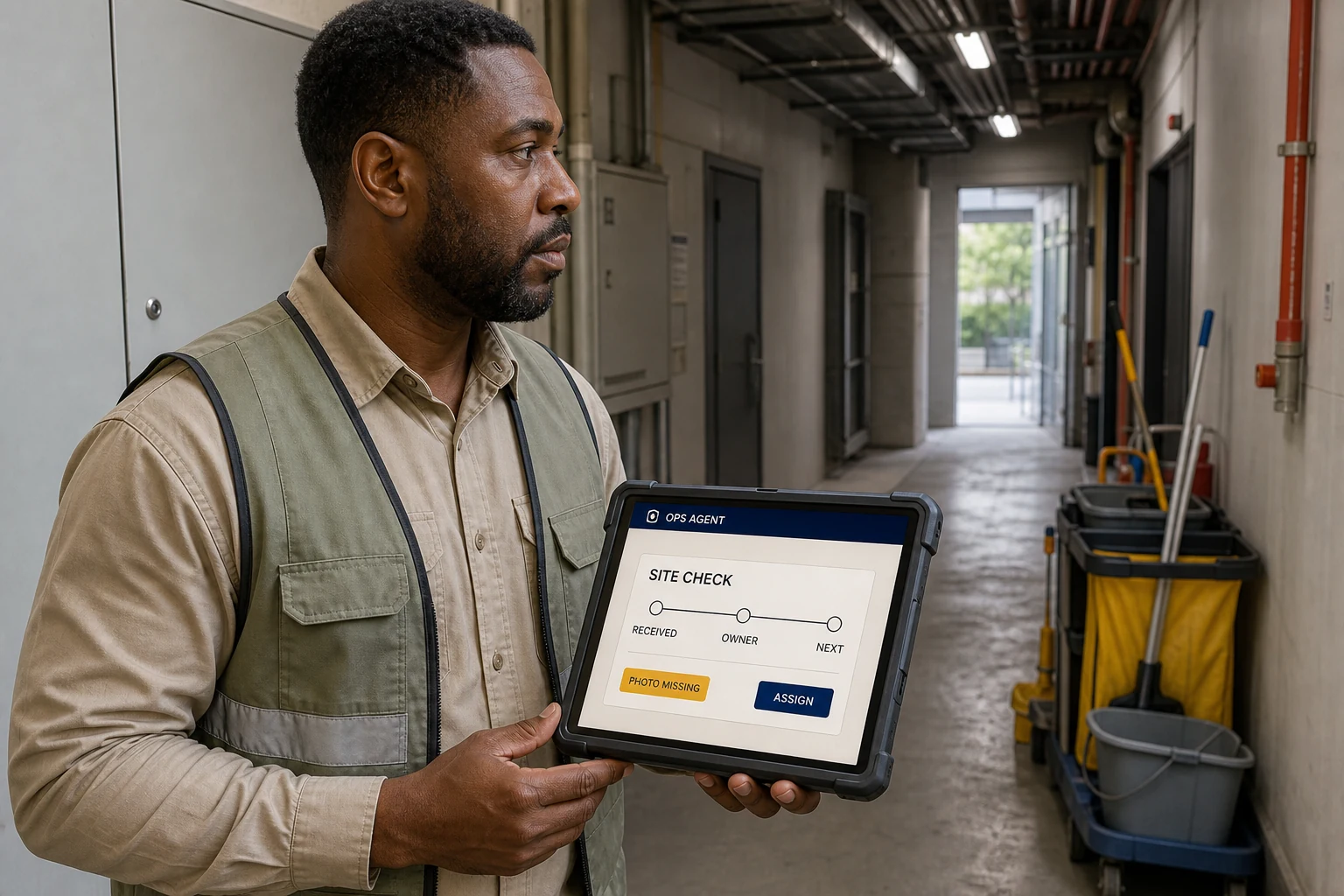
Start with the part of the job that gets missed most often. Make ownership, required materials, approval and the next step clear. Staff work from one place while AI organises updates, flags missing items and surfaces genuine blockers.
It follows company-approved task updates, field photos and work records, keeps the latest status together, checks what is missing and sends only the blockers that need a manager’s judgement.
- A current view of every active job
- A list of missing items and exceptions
- A named owner and next action for each blocker
How the work moves forward
- 01
Choose the task that causes the most chasing, rework or missed handovers.
- 02
Define who owns each step, what is required and what ‘done’ means.
- 03
Let staff receive tasks, submit materials and check results in one place.
- 04
Let AI flag gaps and exceptions, while managers focus on real blockers.
Important decisions stay with the owner.
Managers still approve business rules, exceptions and final outcomes. AI does not decide pricing, payments, purchasing or other material commitments.
See how the related project took shape
Field Service Closeout
Keep the paper record. Use a phone to return the result, let AI flag missing items, and let the owner review the original before invoice preparation.A service job crosses the customer work order, dispatch, a paper field record, physical sign-off and invoice preparation. This approach keeps the required field actions and removes waiting, searching and re-entry around them.

How the real problem came into view
Handle each source separately
The work order, messages, paper record and invoice material lived in different places.
Connect the handoffs
Give each job a private return link. The worker uploads a photo without installing an app, and the owner can always see the original.
Let AI prepare the review
AI reads the image and flags quality or missing information. People confirm completion, the stamp and the amount.
The decision that changed the work
The first idea
The first idea was to replace the paper record with a mobile form and let AI read the rest.
What the real work showed
The paper record and physical stamp had to stay. The owner still needed the original image, the actual work and the final amount. A complex app would not suit field workers.
What changed
Keep the paper record. Connect the steps around it with a private return link, an AI-prepared draft and a human review before invoice preparation.
The result is a simpler way of working that preserves field habits: the worker keeps the paper record, returns the original by phone, AI flags gaps, and the owner reviews it before invoice preparation.
Business flow
- Service owner
Register the work order
Check and confirm the dispatch details
- System
Create a private return link
The owner chooses which worker receives it
- Field worker
Complete the job and paper record
Record the work and obtain a physical stamp
- Field worker
Return a photo by phone
Upload the original through the link with no app install
- AI
Prepare review content
Flag blur, cropping and unreadable areas
- Service owner
Review against the original
Confirm the work, owner field and stamp
- Owner and system
Confirm the amount and create a draft
Prepare an invoice draft, not an issued invoice
How the business team and AI work together
The business team owns
- Choose the worker and send the return link.
- Complete the real field work, paper record and physical stamp.
- Review the original and decide whether the work and stamp are acceptable.
- Confirm the final amount and handle returns, new photos or another visit.
The AI specialist owns
- Prepare a review draft from the work order and paper-record image.
- Flag blur, cropping and unreadable information.
- Highlight missing or inconsistent information.
- Organise return reasons, missing information and the invoice draft.
Process improvement does not have to remove paper first. Remove the waiting, searching and re-entry around it.
If paper, signatures or stamps must remain, start with the return, review and follow-up around them.
Discuss your workflowSee how the related project took shape
Shipment Ready: Complete Information From Order to Loading
When a shipment stalls, the problem is often not the lack of a vehicle. Sales, factory, approval and carrier teams are working from different information. An AI shipment coordinator closes the gaps and sends exceptions to people.Following one order to the factory showed that the business did not need another order system. It needed one answer: is the information complete, is approval done, is the vehicle booked, and can loading happen today? Instead of building another logistics platform, an AI shipment coordinator uses the existing order, approval, and communication records to chase gaps and keep the latest result in one place.

How the real problem came into view
Everyone holds part of the answer
Order, address, approval, vehicle and change details sit across teams and channels, forcing a final round of chasing before loading.
At the factory, the real issue became clear
Following one order backwards shows that the real problem is not a missing platform. Sales handoff is incomplete, and coordination results never return to the same place.
Make AI the shipment coordinator
AI checks the shipment checklist, follows approval and vehicle arrangements, and sends each issue to a clear owner. Everyone sees the same latest result.
The decision that changed the work
The first idea
The first assumption was that scattered channels and an overloaded factory required a new logistics platform.
What the real work showed
The factory already had an order system and a regular coordination route. The earlier break was that sales did not provide every shipment detail at once, while approval, vehicle and timing results did not return to the same order.
What changed
Do not create another copy of the order. AI uses the existing order, approval, and communication records to check what is missing, who owns it, and who needs to know about a change. People handle exceptions and final release.
The final idea is simple: one latest result for each shipment, one owner for each issue, and one place for everyone to see progress. Moving from ‘ordered’ to ‘ready to load’ no longer depends on the factory chasing every item.
Business flow
- Sales
Complete the shipment conditions
Address, method, date, contact and special requirements
- AI shipment coordinator
Check completeness
Check the order and communication records the company allows, then list gaps or conflicts
- Named owner
Resolve each exception once
Sales, approval or factory sees only the issue it owns
- Approval and factory
Confirm release and stock readiness
Human decisions remain attached to the right order
- Carrier
Return the vehicle and time
Put the vehicle and time back on the shared shipment record
- AI shipment coordinator
Update the latest result
Follow changes and send only gaps or conflicts to an owner
- Operations
Load to the confirmed plan
People release, load and complete the physical handoff
How the business team and AI work together
The business team owns
- Sales completes the shipment conditions and owns customer changes.
- Approvers keep the release result attached to the right order.
- The factory decides whether loading can proceed and returns one clear list of gaps.
- The carrier and process owner return vehicle, time and change information to one shared place.
The AI specialist owns
- Use the order, approval, and communication information the company allows to build each shipment checklist.
- When an address, date, authorisation or vehicle detail is missing, identify the owner once and follow it through.
- Put approval, stock readiness, vehicle, and change information into the same latest result.
- Send people only the conflicts and exceptions that need judgement; never release or load goods on their behalf.
Do not rebuild logistics. Let AI watch the conditions that make every shipment truly ready to move.
Bring one recently blocked shipment and find out whether the real problem sits in the system, the rules or the handoff.
Discuss your workflow